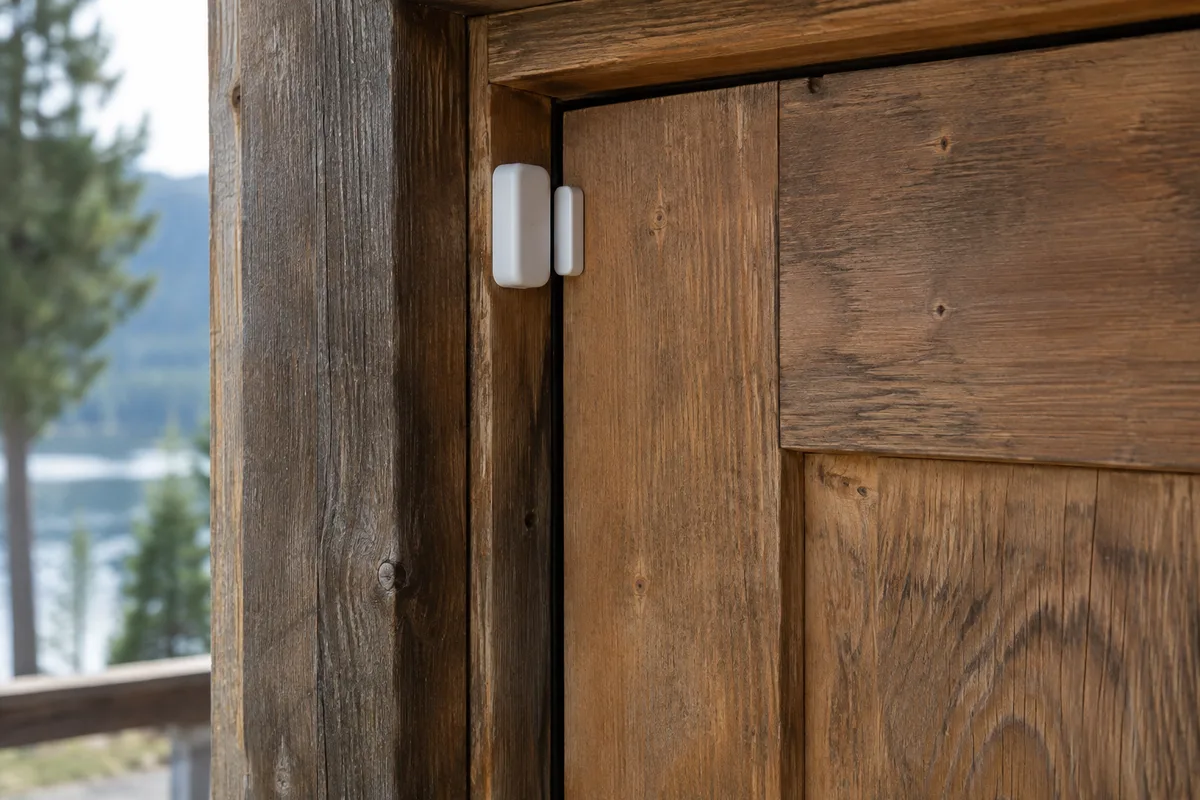
An alert is useful when it leads to a sensible action. A dashboard full of measurements can still leave you unsure what to do, especially if you are hours away. Begin a monitoring plan by naming the condition you care about and the person who could respond.
This guide covers ordinary remote information and care routines. Consumer monitoring does not replace required alarms, inspections, suitable safety systems or professional advice. Do not rely on an internet dashboard as the sole protection for a critical need.
Choose a question before a device
Write a question in plain language: did the expected connection check arrive, has someone completed a scheduled visit, or has a monitored condition crossed a limit specified for the actual system? Keep each question tied to a reason you care about it.
Next, write the action you would take if the answer concerned you. If no practical action follows, consider whether the information is worth the equipment, power and attention it requires. A small set of meaningful signals can be easier to manage than a constant stream of interesting numbers.
For each proposed alert, identify an owner. That person needs the relevant instructions, contact details and authority to arrange help. If you are relying on a neighbour or caretaker, agree the responsibility explicitly rather than assuming proximity makes them available.
Draw the dependency chain
Trace a reading from the sensor to your phone. The chain might include a battery, a local hub, a router, an internet service, an online account and a notification setting. Write the actual components down. A failure anywhere along that chain may prevent an alert from arriving.
Now ask how you would distinguish “everything is normal” from “the reporting chain is broken.” A routine status check or other suitable arrangement may help, but its meaning must be clear. No message should not automatically be interpreted as proof that the place is fine.
Give the monitoring equipment its own rows in the power audit, especially if it runs continuously. Record what remains active during absence and how the system behaves after an interruption. Consult the actual device instructions for recovery and operating limits.
Design an alert people can use
A useful notification identifies the place, the condition, when it was observed and the next step. Avoid an unexplained message such as “sensor 3 error” unless the recipient has a clear way to interpret it. Use names that match the labels at the cabin and in your records.
Keep the response short enough to follow under pressure. It might say to check a second source of information, contact the agreed caretaker, or seek the appropriate professional service. Do not ask an untrained person to enter a hazardous area or perform an unfamiliar technical repair merely because an app issued an alert.
Agree how long to wait for an acknowledgement and what happens if the first person is unavailable. The timing must fit the actual condition and any professional requirements. Avoid inventing a universal threshold for every project. Some concerns need an immediate appropriate response; others belong in the next maintenance visit.
Reduce account and device exposure
The CISA Internet of Things tip sheet recommends changing default passwords, using strong distinct credentials, applying updates and reviewing permissions. Use supported equipment and follow the manufacturer's security guidance. Enable multifactor authentication where available and keep account recovery arrangements current.
Decide who needs access and at what level. A caretaker who only needs to acknowledge a reading may not need control of every account. Keep a record of shared access and remove it when the arrangement ends. Avoid sharing a single password across unrelated services just to make the initial setup quicker.
Keep essential instructions outside the monitored system as well. If your account or connection is unavailable, you should still be able to find the caretaker's details and equipment records. Store those appropriately; a public page or openly shared note is not a suitable place for access codes and private security information.
Think carefully before adding cameras
Ask what a camera would answer that a simpler observation would not. Then consider its location, who might be recorded, retention, access and the applicable privacy requirements. Confirm those requirements before installing or publishing footage. A camera should serve a clear purpose rather than becoming the default monitoring device.
Consider whether anyone needs continuous video or only a different, less intrusive signal. Avoid unnecessary recording of neighbours, visitors or public areas. Make the intended use understandable to people affected and obtain appropriate advice when obligations are unclear.
Include the camera's connectivity and power demands in the complete arrangement. Also decide who reviews alerts and what they will actually do. A large collection of unread motion notifications can obscure the few events that deserve attention.
Rehearse before leaving it alone
Test the reporting and response routine while someone is present and without creating a dangerous condition. Use the device's supported test functions and follow its instructions. Confirm that the intended recipient receives the message, understands it and can find the next-step information.
Test an ordinary communication interruption in a controlled, appropriate way if the equipment supports it. Record what disappears, what recovers and whether settings need attention. Do not disconnect critical equipment merely to experiment. Where safe testing is unclear, ask the installer or supplier for the correct procedure.
Review the first few weeks of results. Which alerts led to useful action? Which were noise? Adjust the arrangement within the equipment and safety requirements, keeping a dated record of changes. Add the necessary checks to your arrival and leaving routine so monitoring remains part of caring for the place rather than an unattended project of its own.
Choose the camera connection before the camera
Remote viewing depends on a working route back to you. The camera-without-Wi-Fi guide compares a cellular camera, a camera using an existing internet connection and deliberate local-only recording. Check coverage where it will be mounted, the recording mode, ongoing data costs and winter charging. A camera does not replace a leak sensor or someone able to respond.